


Featured
TV@togethervoyage
Dubai in 4 Days: City, Desert & Sea
4 days8 places12 activities
Downtown Dubai, Bur Dubai and Al Fahidi, Jumeirah and the desert — a full four-day plan with every stop on the map.
Join to see the full itinerary
Plan the whole trip. Share it with everyone.
Everyone sees the same plan. Anyone you invite can add to it. Nothing gets lost in a chat thread.
A shared schedule with times, places and notes that everyone sees.
Ask for attractions, restaurants and hidden spots, then add them in one tap.
Save hotels, food spots and sights, and see them all on one map.
Log expenses in any currency and see who owes whom at the end.
Everyone's photos in one day-by-day story, not scattered across phones.
Only the people you invite see your trip. Publish one to inspire others.
Real screens from the app, as they look on your phone.
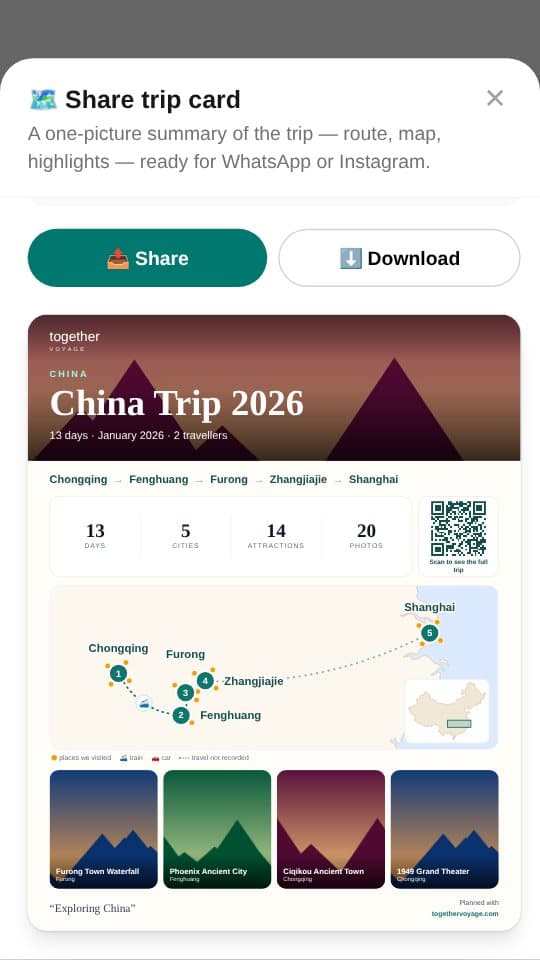
One picture of your route, highlights and stats, ready for WhatsApp or Instagram.
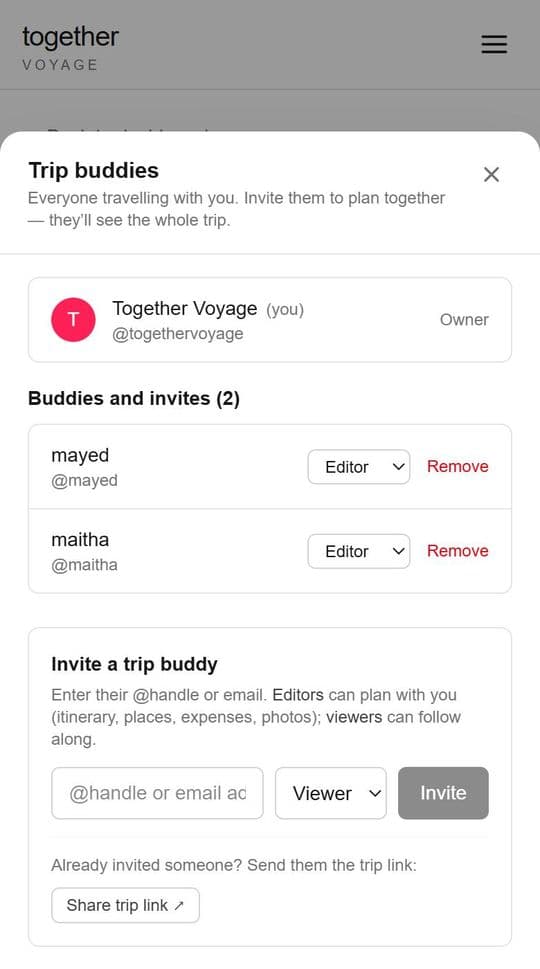
Invite friends and family by @handle or email, as editors or viewers.
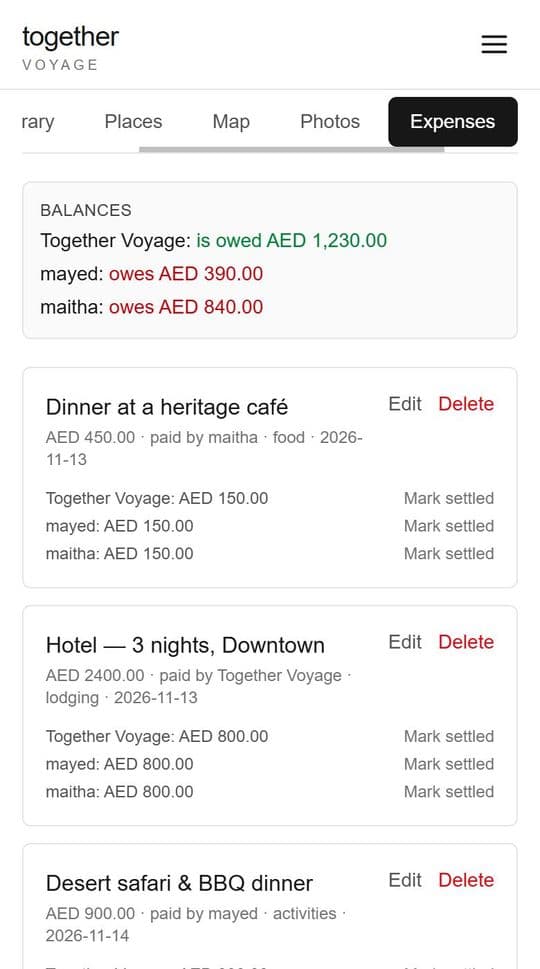
Log what everyone paid and see who owes whom, in any currency.
Published itineraries from our travellers — real places, day by day.
Downtown Dubai, Bur Dubai and Al Fahidi, Jumeirah and the desert — a full four-day plan with every stop on the map.
Join to see the full itinerarySet your destination and dates, and Together Voyage sets up the day-by-day plan for you.
Bring in family and friends as editors or viewers — everyone travelling sees the same plan.
Build the schedule, split the budget and share the memories, all in one place.
Anything else? Email hello@togethervoyage.com — a real person replies.
Yes. Together Voyage is in a free trial — no subscription and no payment details. Before any paid plans start, we will tell you what changes and ask you to accept the updated terms.
Only the people you invite. Trips are private by default. You can choose to publish a trip so other travellers can use it as inspiration.
Yes — each traveller signs up for free, then joins your trip as an editor (can change the plan) or a viewer (can follow along).
No download needed. Together Voyage runs in your web browser on phone, tablet or computer — and you can add it to your phone's home screen so it opens just like an app. On iPhone, tap Share → “Add to Home Screen”; on Android, open the browser menu → “Add to Home screen” or “Install app”.
Join the free trial. We’ll email you your invite and a link to sign up.